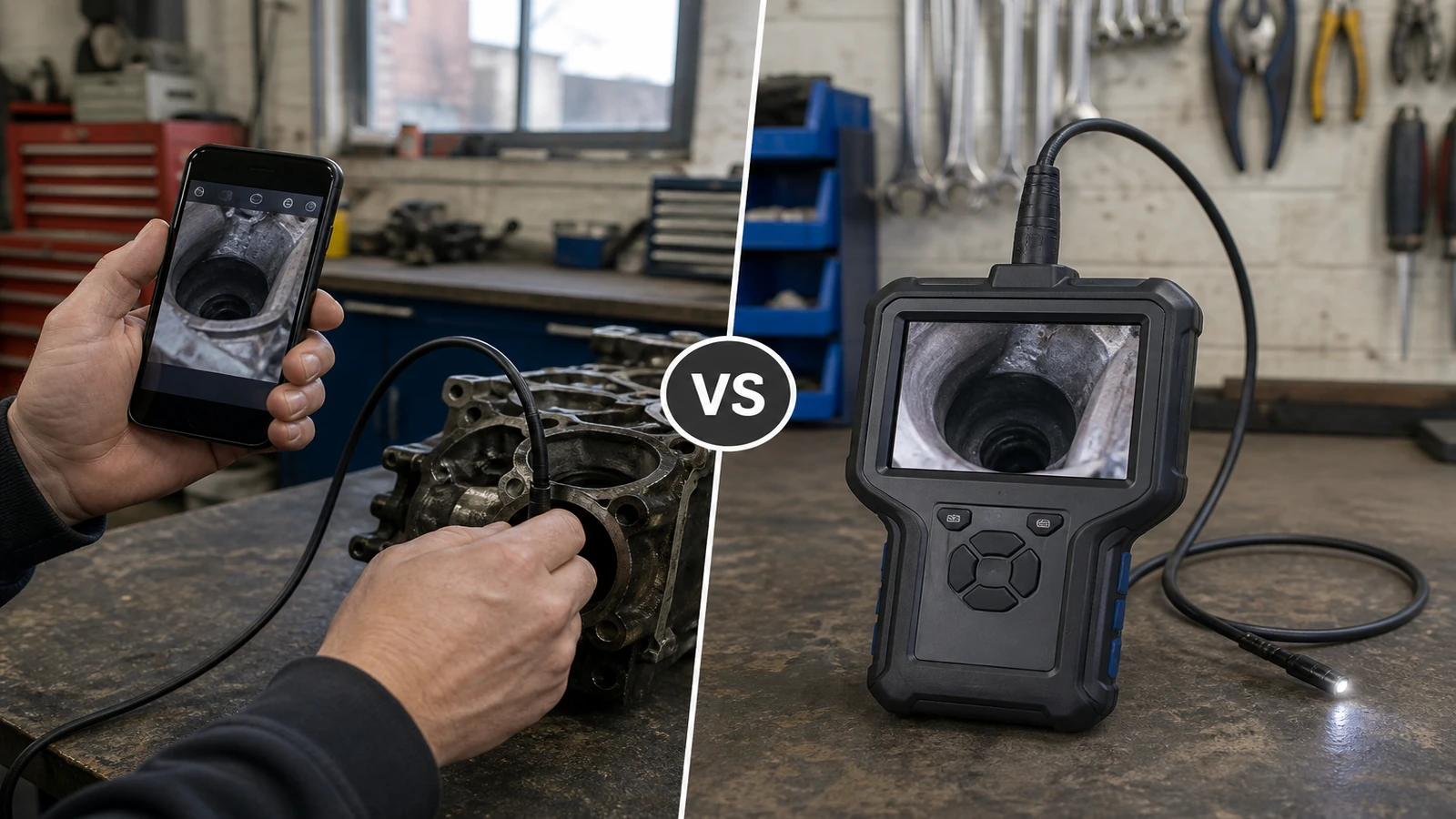
Short answer: Choose between a Wi-Fi borescope and a handheld 4.3-inch screen by deciding where the image should appear and what setup the operator can manage. A phone-led model must be judged from its own current documentation, including handset and app requirements. The Hayve product takes the other route: its listing specifies a built-in 4.3-inch IPS screen and says it works without Wi-Fi, an app or a smartphone. That makes the viewing path clear, but it does not establish image saving, export or remote sharing. Physical fit still depends on the listed 7.9 mm lens figure, the unlisted complete head diameter and the 5-metre semi-rigid cable.
Key takeaways
- The main choice is phone-led viewing versus a dedicated screen on the tool.
- The Hayve listing documents standalone live viewing but not image saving or export.
- Screen type does not replace checks for lens fit, cable route and operating limits.
Compare the viewing path, not the category label
For a Wi-Fi model, establish which phone, operating system, app and connection process its manufacturer supports. Do not assume that all products using the term Wi-Fi behave alike.
For the Hayve handheld, the current listing answers the basic setup question: the image appears on a built-in 4.3-inch IPS screen and no phone or app is required. The operator still needs a stable position for the screen while guiding the cable.
| Decision point | Wi-Fi borescope | Hayve handheld |
|---|---|---|
| Display | Check the named product's phone and app requirements | Built-in 4.3-inch IPS screen |
| Connection | Check current manufacturer documentation | No Wi-Fi, app or smartphone required |
| Physical access | Check the named product's lens and cable | 7.9 mm lens figure; full head dimension not stated; 5-metre semi-rigid cable |
| Image saving or export | Check the named product's documentation | Not specified on the current listing |
Choose for the person doing the job
A dedicated screen may suit a shared tool cupboard, a bench where personal phones are not used or an operator who wants one device to charge. A phone-led option may suit a workflow already designed around a supported handset and app, but that must be confirmed product by product.
Consider whether the operator can see the screen in the working position and control the cable at the same time. Neither viewing method guarantees a clear image if the lens cannot reach or focus on the target.
- Decide whether a personal or business phone may be part of the workflow.
- List any required app, handset and operating-system support.
- Measure the physical route independently of the display choice.
- Confirm whether live viewing alone is sufficient.
- Reject any model whose current documentation leaves an essential requirement unanswered.
Use the Hayve specifications as a complete set
The screen should be considered together with the listed 7.9 mm lens figure, the unlisted complete head diameter, 5-metre semi-rigid cable, eight adjustable LEDs and stated up-to-four-hour USB-charged use. A convenient display does not compensate for a head that cannot pass the opening or a cable that cannot follow the route.
The stated 1080x1920 resolution is a listing fact, not a promise that every defect or surface detail will be identifiable.
Limits and claims this comparison does not make
The current listing does not state the complete camera-head diameter, focus range, operating temperature, liquid-use procedure, image saving, export, remote sharing, charging time or articulated movement.
This comparison does not rank unnamed Wi-Fi products or transfer features from one model to another. Buy from the exact documentation for the exact product and job.
Related guides and product details
Choose the Hayve handheld when documented standalone live viewing and its measured physical fit answer the whole job. Read Blocked Kitchen Sink Camera: What to Check Before a Plumber for related guidance. Read Borescope Camera for a Car Engine: A Practical UK Guide for related guidance. Review the documented specification on the Endoscope inspection camera 5m, 4.3" ips screen industrial product page before ordering.
Sources and safety context
- Supports the handheld screen, no-phone requirement and physical configuration. Current Hayve product page.